





Tuesday · Lunch
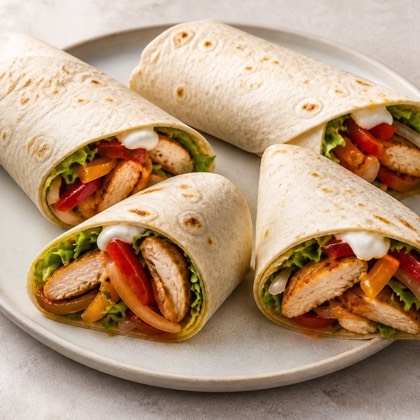
Chicken and vegetable tortillas
 3 servings
 Peanut-free
 No broccoli
 With chicken

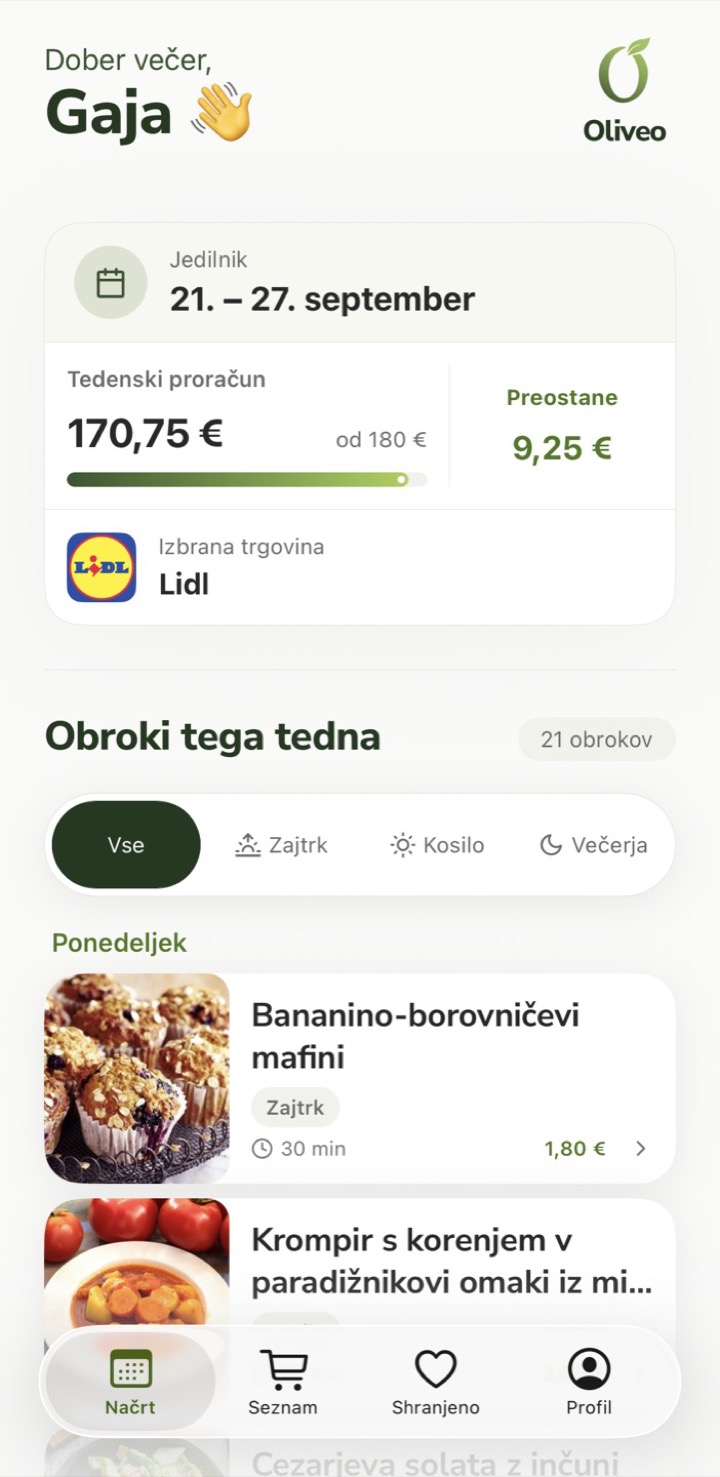
Choose your store, budget and preferences. Oliveo plans breakfasts, lunches and dinners for the whole week, plus one shopping list.
Weekly budget · Lidl
€170.75 of €180
Left €9.25
A simplified view of the app. Sample week.
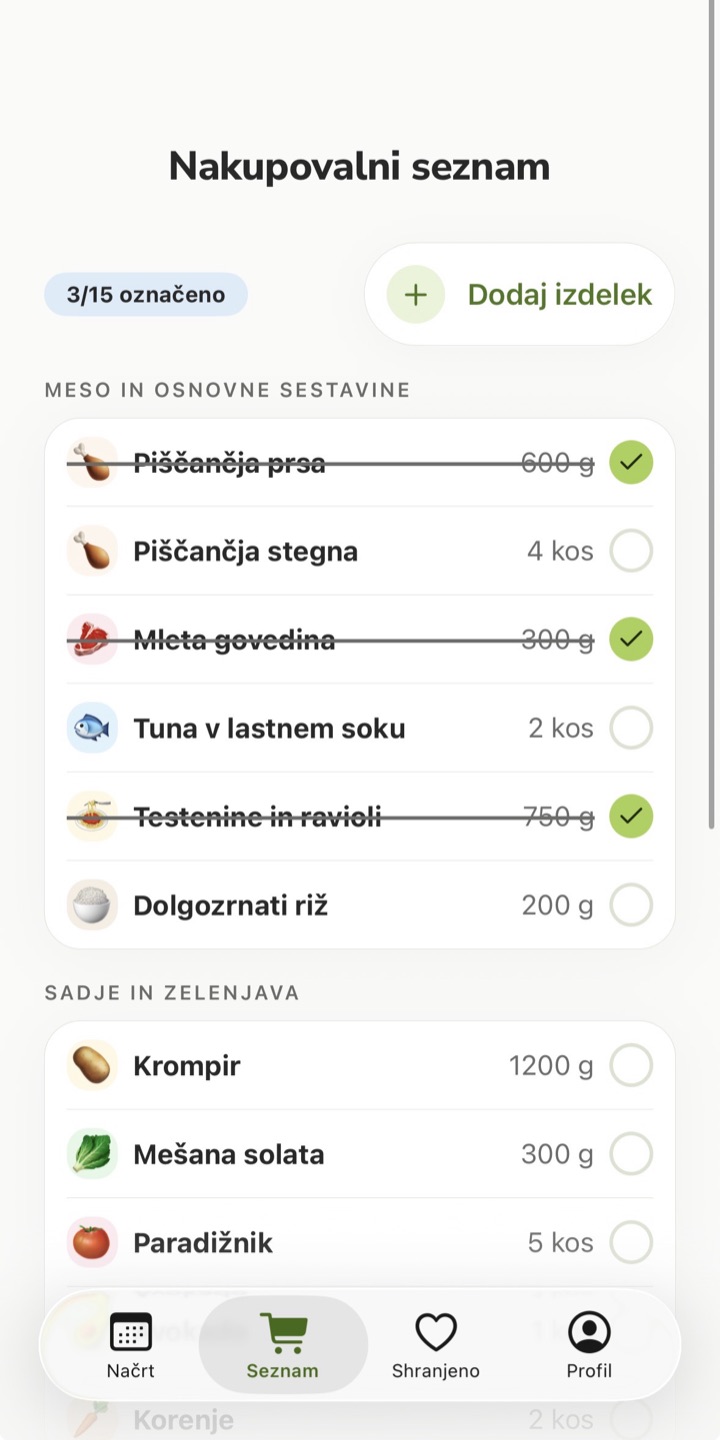
Shopping list
Ingredients for Monday
Meat and basics
Fruit and vegetables
Before it builds your week, Oliveo balances your store and budget, household, cooking time, allergies and tastes. That's where the meals and a single shopping list come from.
Your week is ready
21 meals · one list
Tuesday · Lunch
3 servingsPeanut-freeNo broccoliWith chickenList for the whole week
This week's wishSomething new this week, maybe Thai.
For a calm morning
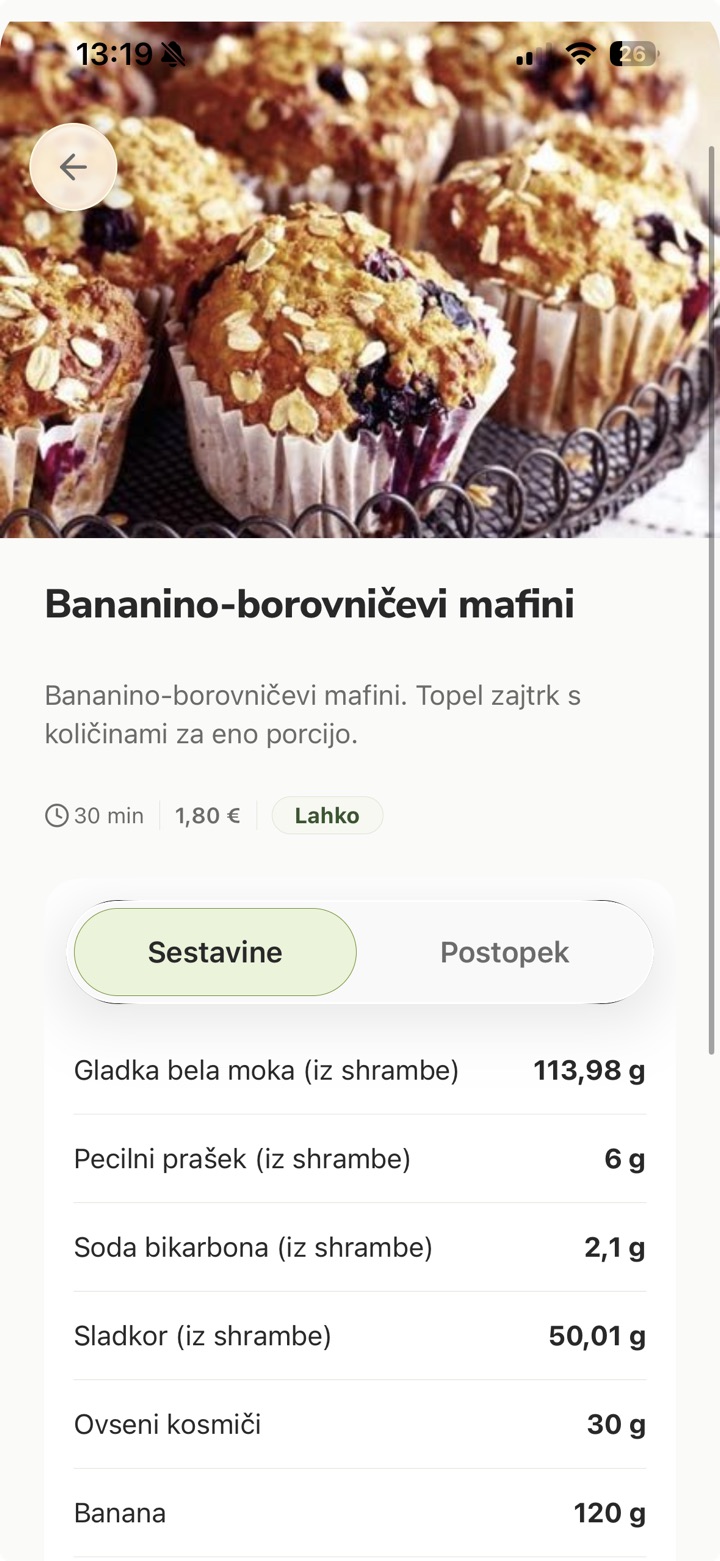
 Banana blueberry muffins
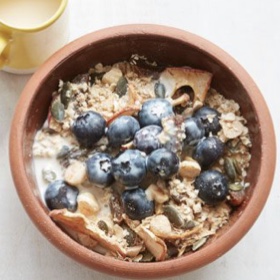 Muesli with apricots and hazelnuts
 Scrambled eggs on toast
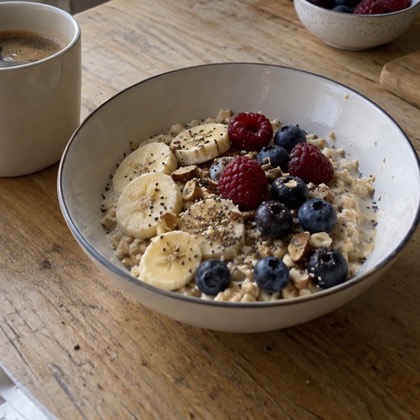 Oats with berries
For the middle of the day
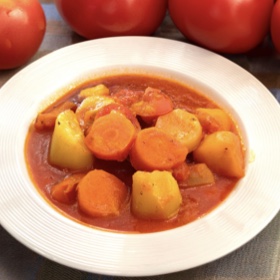 Potatoes and carrots in tomato sauceChicken and vegetable tortillas
 Creamy chicken pasta
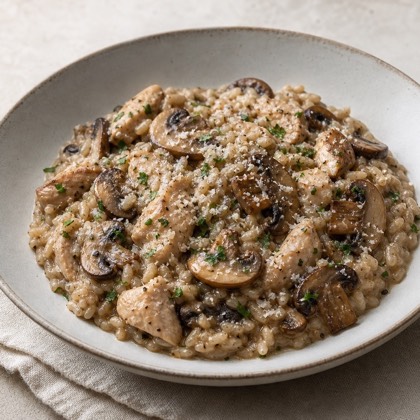 Chicken and mushroom risotto
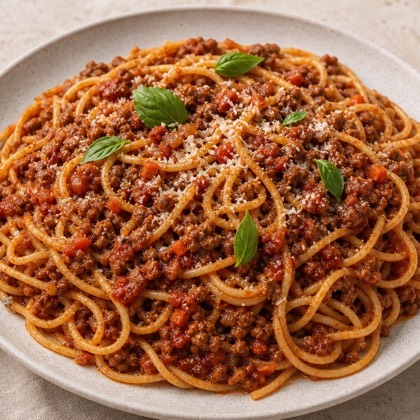 Spaghetti bolognese
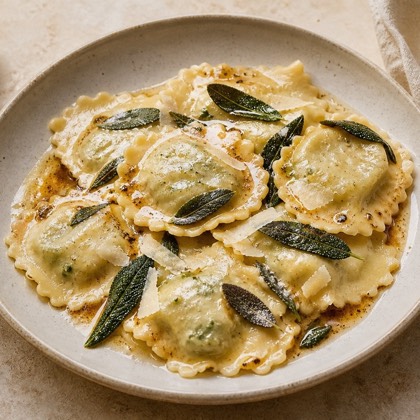 Ricotta and spinach ravioli
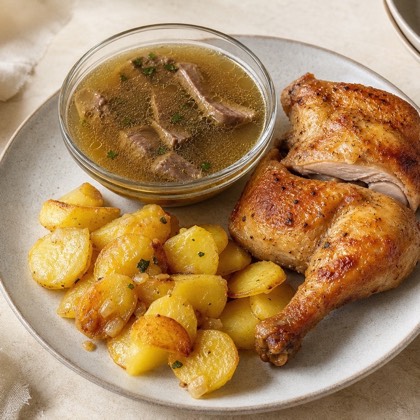 Beef soup, roast chicken and sautéed potatoes
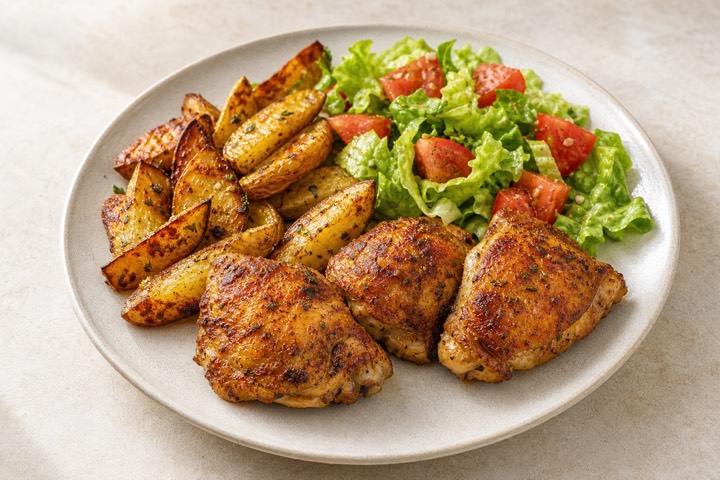 Roast chicken with potatoes and salad
 Beef soup, schnitzel and sautéed potatoes
When everyone's home
 Caesar salad with anchovies
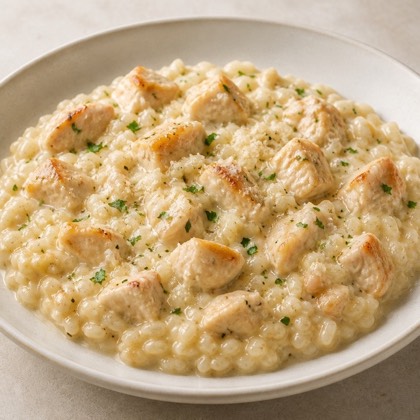 Chicken risotto
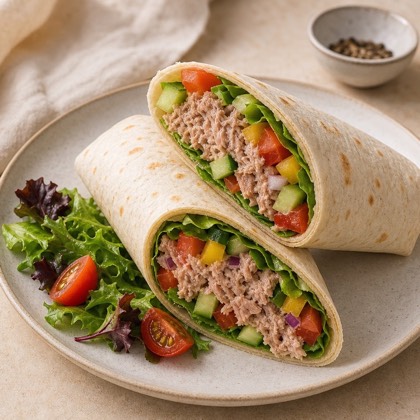 Tuna and vegetable wrap
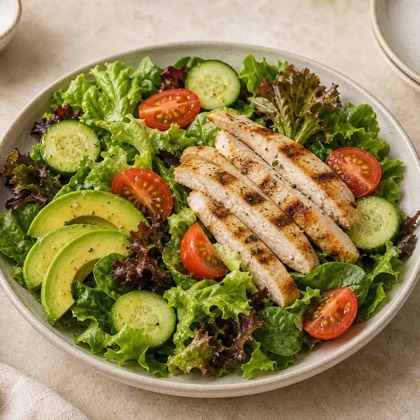 Chicken salad with avocado
 Fried rice with vegetables and egg
 Burger with crispy fries
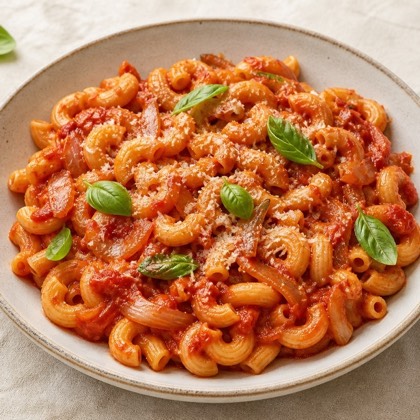 Macaroni in sauce
A simplified view of the app.
It builds a personal weekly plan of breakfasts, lunches and dinners, recipes with ingredients and steps, and one combined shopping list for the meals you picked.
You set what you like, what you avoid and how many of you there are. If you'd like something new, write it as this week's wish. Swap any single meal and the rest of the week stays as it is.
You choose a store and a weekly budget. Oliveo uses it as a key boundary and shows an indicative estimate of the weekly shop. Check current prices in the store.
Mercator, SPAR, HOFER, Lidl and Tuš are currently available.
Yes. You set your cooking days and the time you have, and Oliveo also takes into account the kitchen appliances you own, such as an oven or air fryer.
Yes. You set your diet, allergies and favourite ingredients. Oliveo is not medical or nutritional advice, so always check labels and allergens.
Yes. Save your favourite recipes and find them later in one place. You can view the plan's meals together or filter them by meal type.
Oliveo is available as an app for iPhone and Android. You can also use it in a modern web browser.
Download Oliveo for iPhone or Android and build your first meal plan.
Prefer the browser? Open the web app